 Client trainingVisited 0 of 32 modules
QuickBooks basics
You do not need to do the bookkeeping. You need to be able to open the file, find a transaction, attach a receipt, run the two reports, and know what not to touch. That is this module.
Seven minutes in a real QuickBooks Online file: the home screen, the chart of accounts, bank feeds, rules and the reports.
Finding your way around
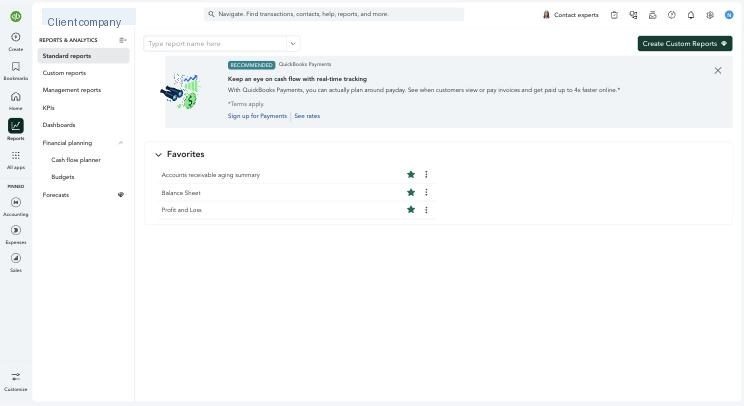
 123456
- 1Company name. Check it if you have more than one file under one login. The wrong one is one click away.
- 2Home. Bank balances, a profit and loss snapshot, and shortcuts.
- 3Reports. Where the P&L, balance sheet and everything else live.
- 4Accounting. Bank transactions, reconcile, rules, and the chart of accounts. Where your bookkeeper lives.
- 5Search. Type an amount or a vendor name to find any transaction. The most useful button on the page.
- 6Settings (gear). Company settings and the audit log. You will rarely need it.
Bank feeds: where most of the work happens
Once a bank or card account is connected, QuickBooks downloads every transaction automatically. They wait in Bank transactions until someone says what each one is. There are only two answers.
- Categorize
- This transaction is new to the books. Say which account it belongs to (a software subscription to its expense account, a filler order to inventory) and who the vendor was.
- Match
- This transaction is already in the books, for example a deposit the booking system already sent. Link the bank line to the existing entry so it is not counted twice.
Rules: teach it once
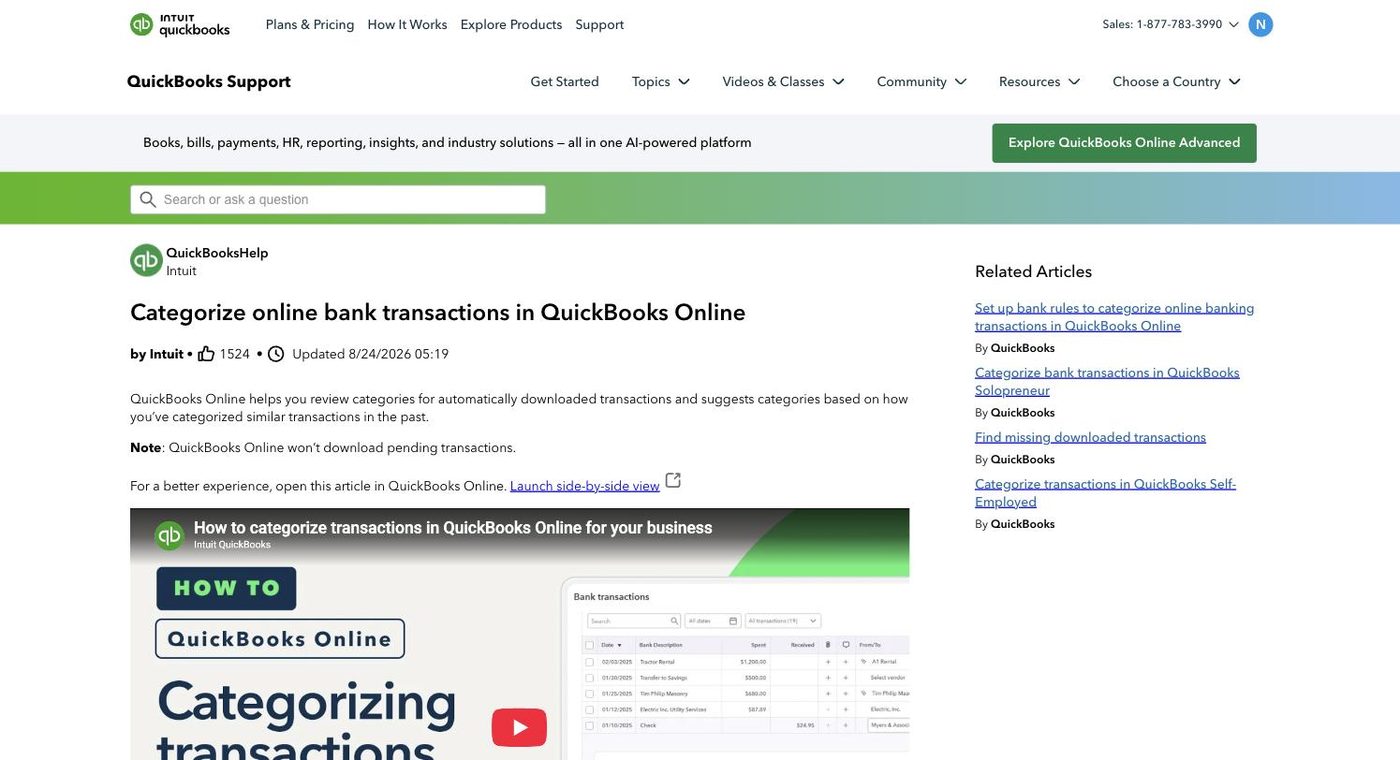
A rule says "when a downloaded transaction looks like this, code it like that." The software subscription, the rent, the payroll fee: rules. The more rules exist, the less the month costs and the more consistent the coding. You will see them working when most of the feed is already suggested by the time you look.
Reconciling: the monthly proof
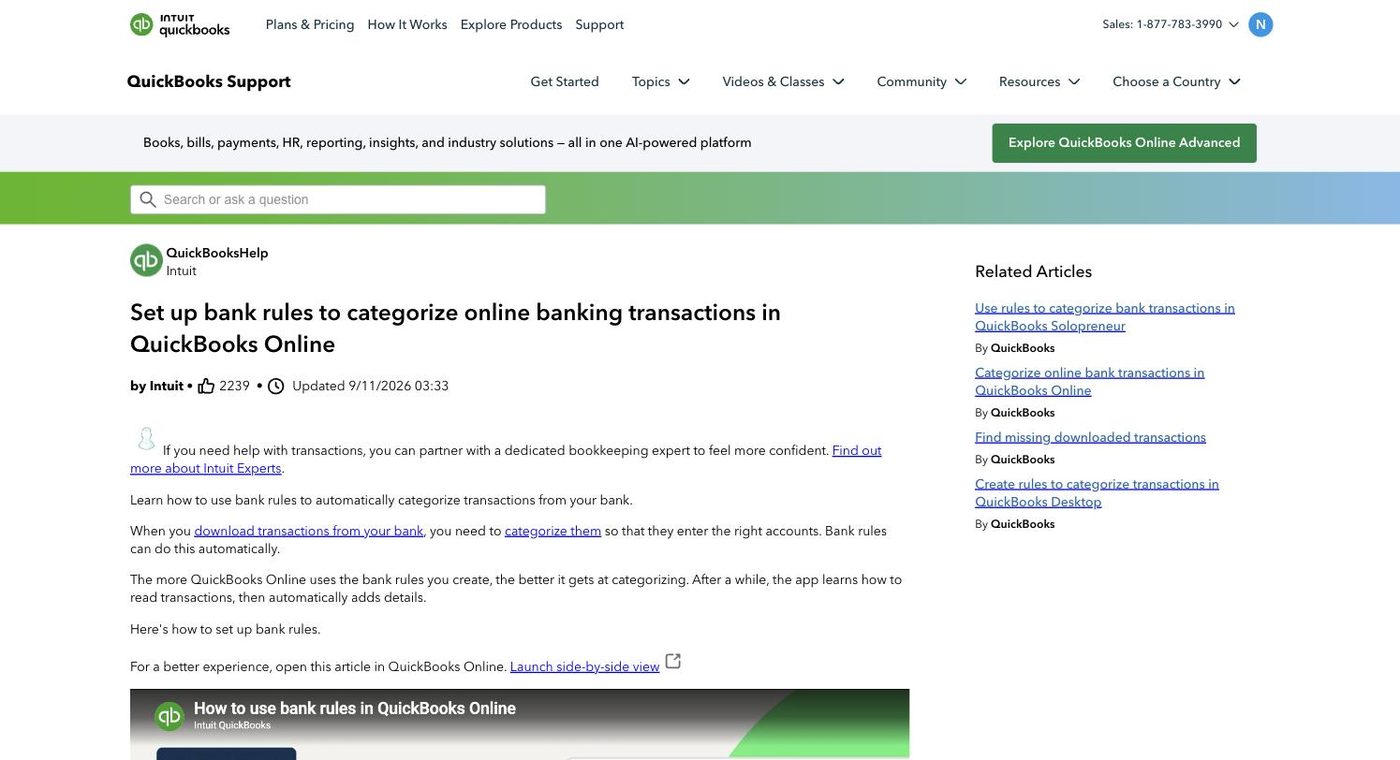
Reconciliation compares the bank's statement to the books line by line until the ending balances agree to the cent. It is the single most important control in bookkeeping, because it proves nothing was missed and nothing was invented. Every bank and card account, every month, and the report is part of your monthly package.
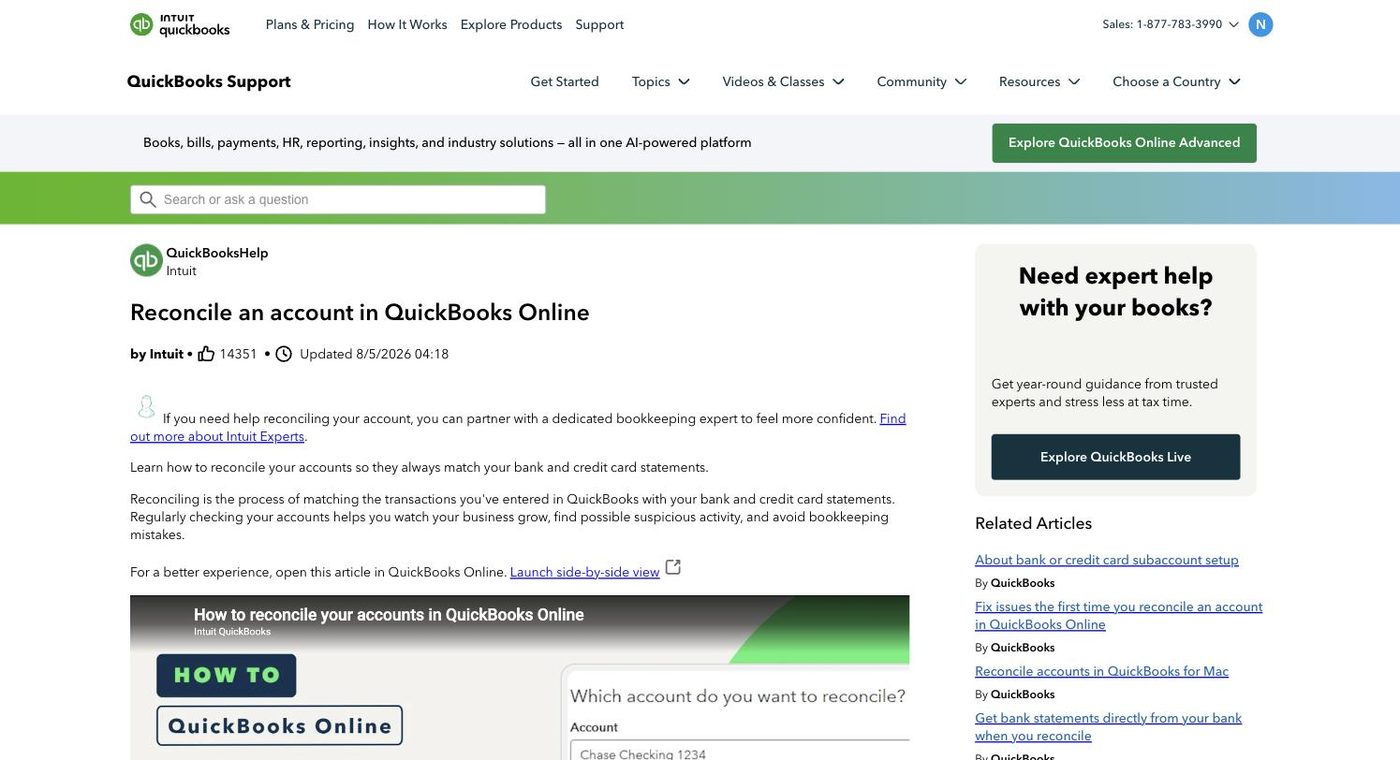
The reports you will read
| Report | What to look at | Question to ask |
|---|---|---|
| Profit and loss | Revenue by service line, gross profit, operating income | Did we make money, and where did it come from? |
| Profit and loss by month | Twelve columns side by side | What is trending up, what is drifting? |
| Balance sheet | Cash, deferred revenue, gift cards, loan balances | What do we owe patients and lenders? |
| Accounts payable aging | Who we owe and how old each balance is | Is anything overdue? |
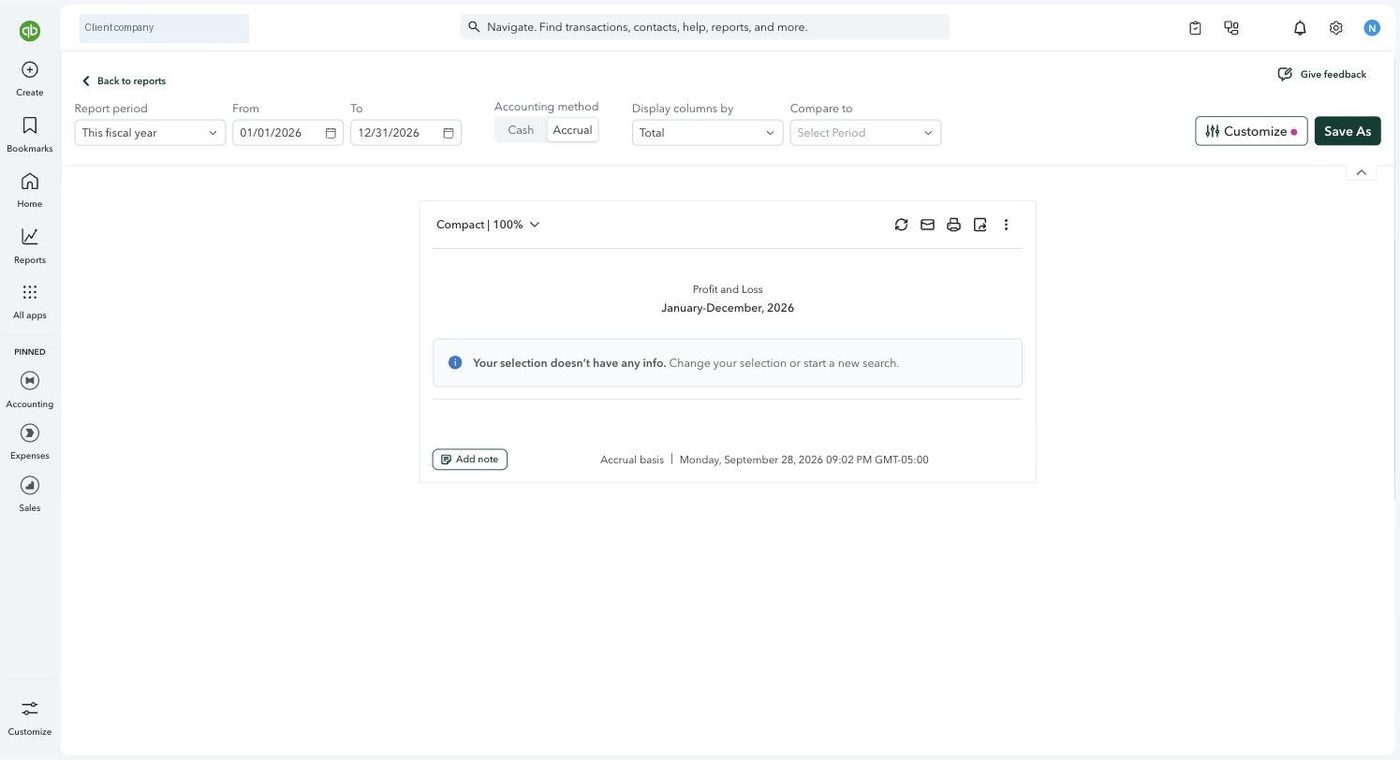
Receipts, and the mobile app
Any transaction can carry an attachment. The habit that pays off: photograph the receipt from the mobile app the day you spend, or forward the email invoice to the receipts address QuickBooks gives the company. QuickBooks reads the amount and vendor and pairs it with the bank line. A year of receipts attached at the transaction is what turns a CPA question into a thirty second answer, and a buyer's question into a folder.
Settings that make a file run itself
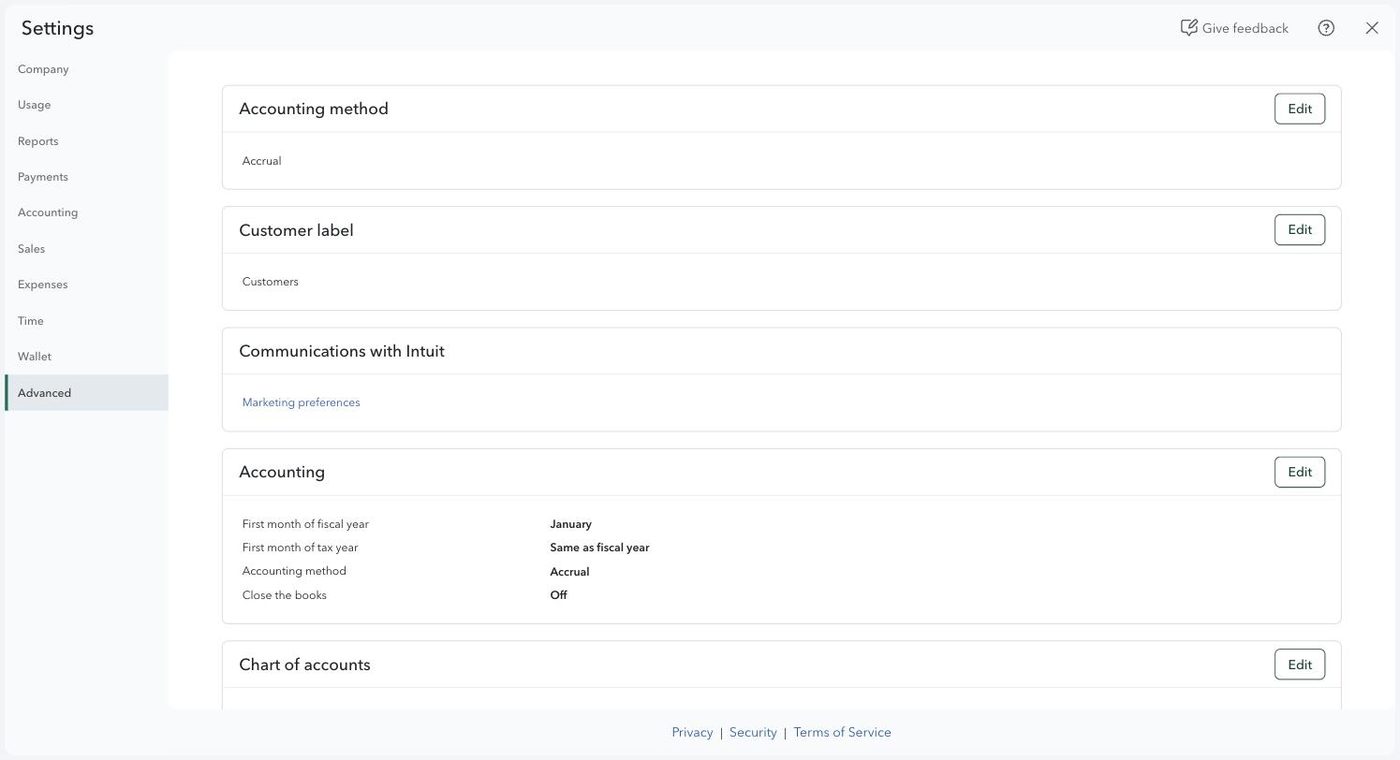
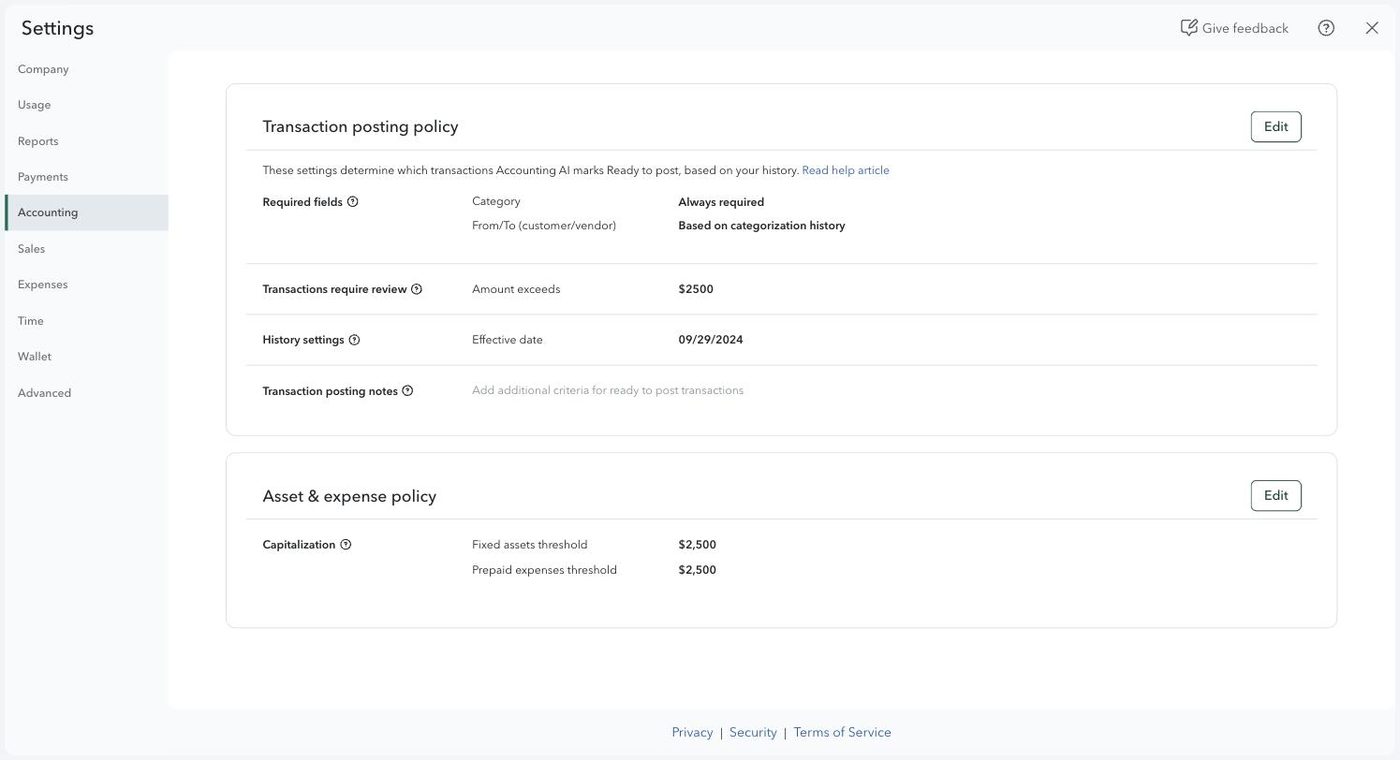
A clean file is mostly a dozen settings chosen once: accrual basis, account numbers on, the books locked after each close, a capitalization threshold, a review threshold so anything large waits for a person, duplicate warnings, revenue tagged by provider, sales tax on before the first retail sale, and a rule for every recurring vendor. You do not set these; the point of knowing them is that when a report looks odd, one of them is usually why.
What to do, and what to leave alone
- Read the reports and ask questions
- Attach receipts and forward invoices
- Flag a bank line you are unsure about
- Use search to find any transaction
- Creating, renaming or merging accounts (merging cannot be undone)
- Journal entries
- Reconciliations and undoing them
- Changing account types
- Deleting transactions, ever. Void or ask.
Try it yourself
A $4,200 deposit from the card processor appears in the bank feed. The booking system already sent the sales to QuickBooks. You should
Categorize it to revenueMatch it to the existing sales entryDelete itWhat does a bank rule do?
Blocks transactions over a limitCodes a recurring transaction the same way automaticallyReconciles the accountReconciling an account proves that
The business made a profitThe books and the bank statement agree, nothing missed and nothing inventedAll receipts are attachedYou notice two accounts with nearly the same name. The right move is
Merge them yourselfLeave them and tell your bookkeeperDelete the one with fewer transactionsThe books for August are closed and the package has gone out. What stops a September edit from changing August?
Nothing, QuickBooks allows edits at any timeThe closing date setting, which locks earlier transactions behind a passwordDeleting the August transactions